Every feedback tool can collect comments. The question that separates a decision system from a suggestion box is: what happens next? Here's the full pipeline, step by step, from a frustrated click on a payments page to a groomed ticket in your sprint.
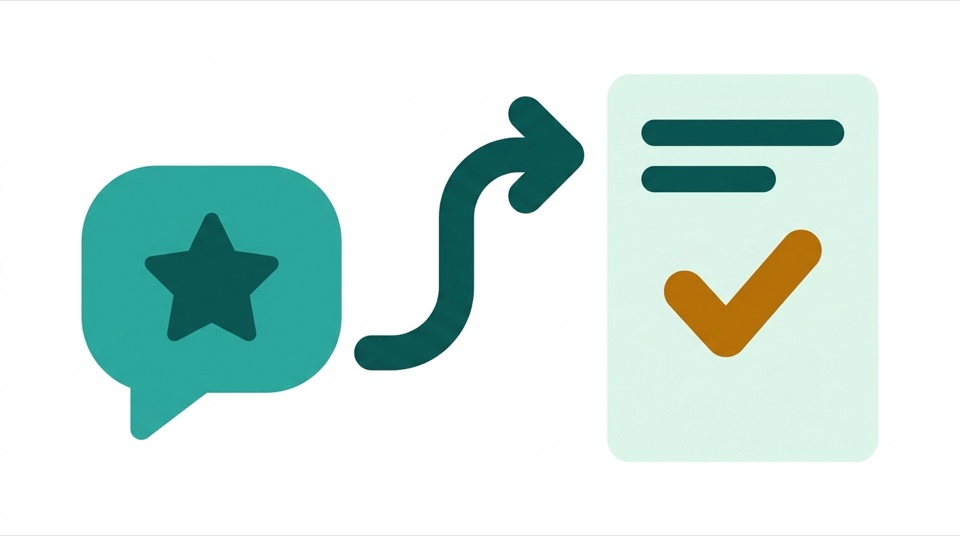
A user on /payments/checkout hits an error, clicks the floating feedback icon, gives 2 stars, and writes "export fails every time I select last quarter." Because the rating is captured in context, it arrives already knowing things a survey never would: the exact page, the product, the time, and — if the user explicitly opted in — a screenshot of what they saw and the (scrubbed) values they'd typed into the form. No name, no email: the visitor stays anonymous by design.
That context is the difference between a reproducible bug report and "someone somewhere is unhappy."
Feedback arrives as a stream; decisions need it as themes. The AI copilot clusters comments across the product — the eleven separate complaints about checkout errors, phrased eleven different ways, collapse into one candidate theme with an average rating of 2.1 and a trend. The long tail of one-off comments stays visible but stops drowning the signal.
From a theme, the copilot drafts an actual backlog item:
The citations are the trust mechanism. A PM reviewing the draft isn't asked to trust the model — they're shown the receipts, and can read the actual comments before deciding anything.
The copilot proposes; your product owners dispose. Every draft sits in a review queue where a PO accepts, edits, or rejects it. Rejected drafts vanish without a trace in Jira. This isn't a ceremonial checkbox — it's the design principle that keeps the backlog a statement of intent rather than a model's opinion. An AI that files tickets directly into your sprint is an incident generator; an AI that drafts for human judgment is a force multiplier.
On accept, two things happen at once. With Jira or Azure DevOps connected, a ticket is created in the mapped project — summary, user story, acceptance criteria, and evidence links included, so grooming starts from substance instead of a blank description. And every cited feedback item is automatically marked actioned, which keeps your triage stats honest: you can see, at portfolio level, what share of user feedback actually leads to work. That number — not response time — is what "we listen to users" means.
| Approach | Failure mode |
|---|---|
| Feedback → spreadsheet | Read once, quoted twice, updated never. |
| Feedback → Slack channel | Recency wins; whoever posted last shapes the roadmap. |
| PM writes tickets from feedback manually | Works — for the one product the PM has time to do it for. Portfolios starve. |
| AI files tickets autonomously | Backlog fills with confident nonsense; engineers learn to ignore it. |
| AI drafts, human accepts, ticket auto-opens with evidence | — |
 morvero